FAQ
Questions, answered
Everything worth knowing before you start, grouped by topic.
FAQ
Have any questions? We’ve got answers
Everything worth knowing before you start: what the platform covers, how it is priced, and where your data lives.
- What does the platform actually do?
- It brings your team's projects, documents and reporting into one workspace. Everything lives in the same place, so nothing has to be copied between four separate tools.
- Who is it built for?
- Teams that have outgrown a spreadsheet but do not want an enterprise rollout. Product, marketing and operations groups of five to two hundred people get the most out of it.
- How long does it take to get set up?
- Most teams are running the same afternoon. You import your existing projects, invite the people who need access, and pick up where your old tool left off.
- Does it work with the tools we already use?
- Yes. Slack, Google Workspace, GitHub and Figma have native integrations, and a REST API with webhooks covers anything that is not on the list yet.
- Can I import our data from another tool?
- Yes. The importer reads a CSV export or connects straight to your current tool, and it shows you the field mapping before a single record is written.
- Is our data backed up?
- Continuously, with point-in-time restore for the last thirty days. Backups are encrypted and kept in a second region, and you can export everything yourself at any time.
- How does pricing work?
- You pay per active member each month, and only for the people who actually signed in. Paying annually takes two months off the total.
- Is there a free trial?
- Fourteen days on the full plan, with no card up front. When it ends your workspace stays exactly as it is, and you choose a plan or drop to the free tier.
- Can I change or cancel my plan later?
- At any time, from the billing page. An upgrade applies immediately and is prorated; a downgrade takes effect at the end of the period you already paid for.
- Do you offer refunds?
- Yes, within thirty days of a charge. Write to billing, tell us what went wrong, and the money goes back to the card it came from.
- Where is our data stored?
- In the region you pick when the workspace is created, either the EU or the US. Nothing leaves that region, backups and logs included.
- Are you SOC 2 compliant?
- Yes, SOC 2 Type II, audited every year, and the report is available under NDA. A signed DPA and full GDPR coverage come with every plan.
- Can I enforce single sign-on?
- SAML single sign-on and SCIM provisioning are included on the Business plan. Once SSO is enforced, password logins are switched off for the whole workspace.
- Who can see what inside a workspace?
- Access is set per project across four roles, from viewer to admin. Guests only ever see the projects they were invited to, and nothing around them.
- How do I get help when something breaks?
- Email support replies within one business day on every plan, and Business adds a shared Slack channel. Live incidents are posted on the status page as they happen.
- Do you help with onboarding and migration?
- Every plan includes a guided setup and a migration review. Larger teams get an onboarding call and a workspace template built around how they already work.
Responsive by default
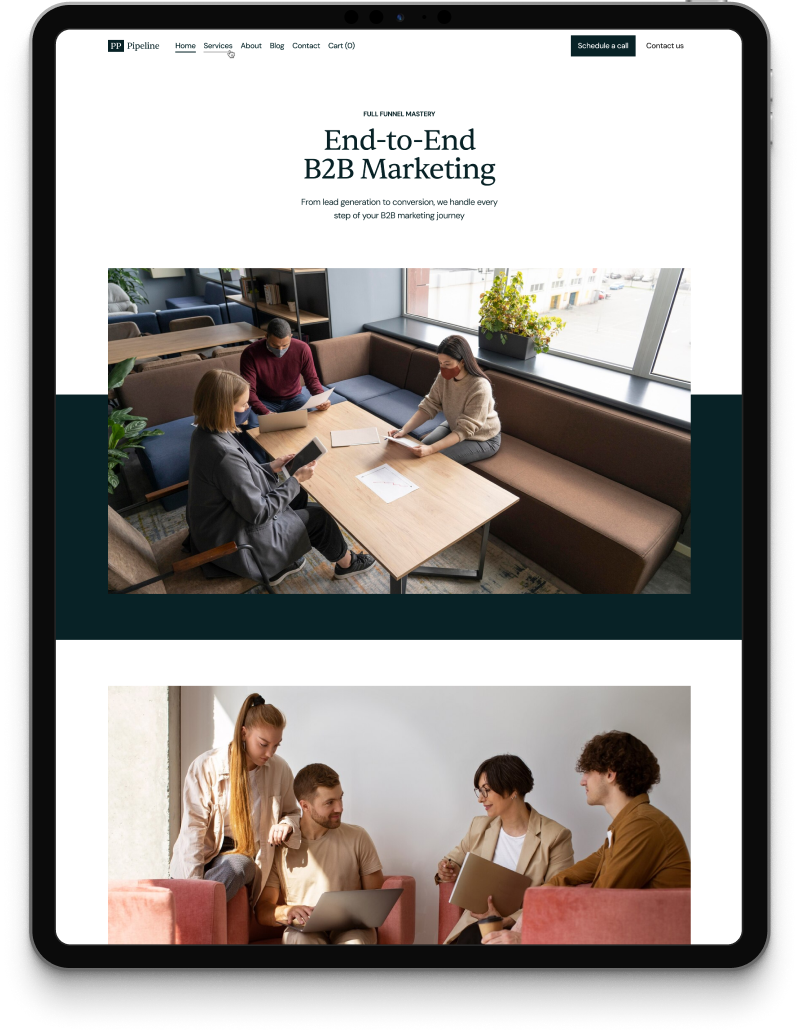
Looks flawless on every screen
Every component is tuned for touch and built to scale, from a 320px phone to an ultrawide display, with no per-breakpoint rework.