 Koala UI
Aspect Ratio
The shapes media is framed in. Koala uses Tailwind's aspect-* utilities as-is: pick the ratio on the frame, let the image crop to fill it, and the layout holds its shape before the pixels arrive.
Reframing#
Switch between ratios to see one photo reframed. The frame keeps its ratio at any width, and the image crops around its center. Turn off Crop to fill to letterbox it instead.
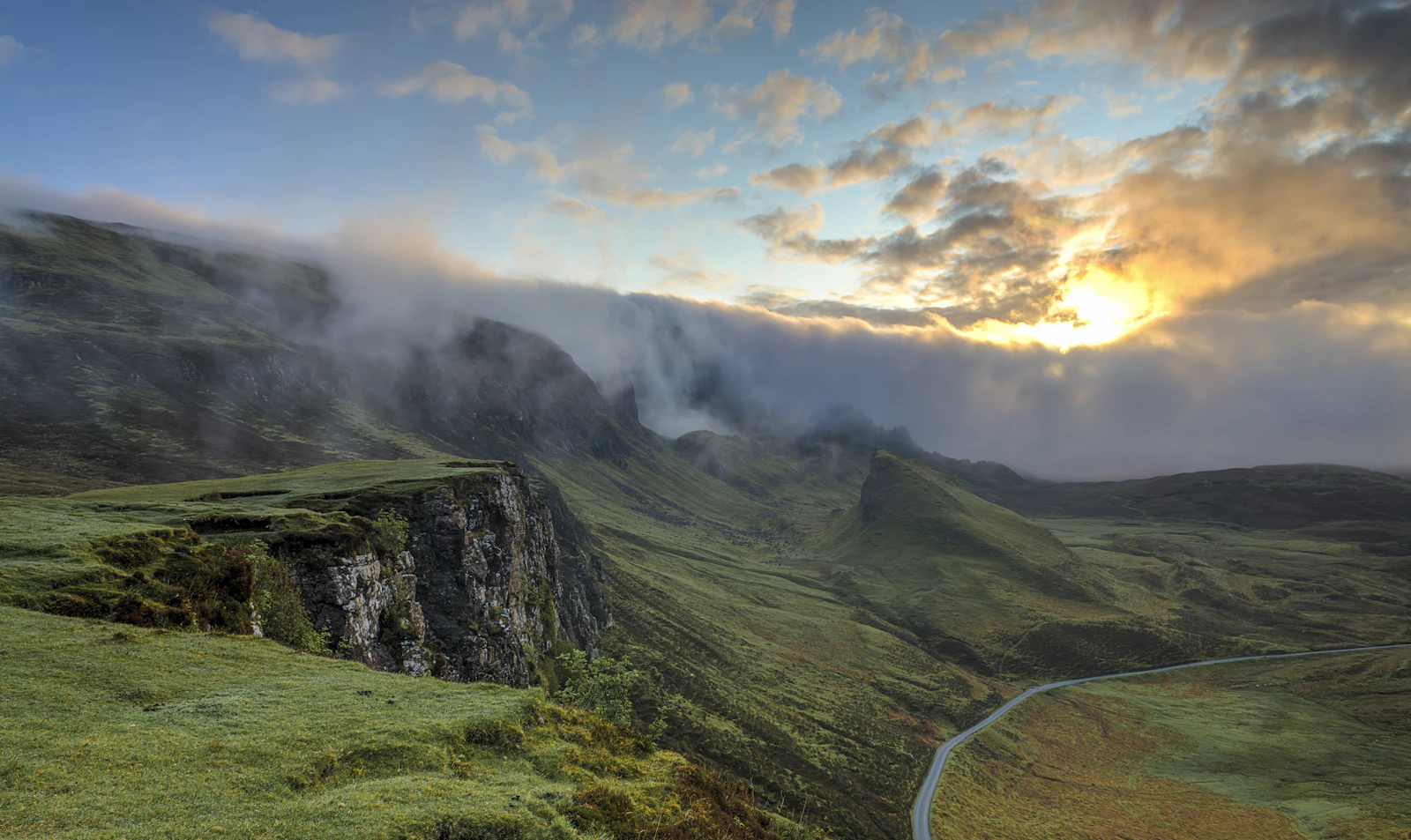
aspect-videoVideo, hero media, slidesCommon ratios#
Eight ratios cover almost every surface. Landscape ones suit heroes, covers and video; portrait ones suit people, posters and phone screens.
Usage#
Put the ratio on the frame, not on the image. The frame reserves its space on first paint, so nothing shifts when the photo loads. The image fills it with object-cover. Keywords cover the two common cases (aspect-square, aspect-video), and any other ratio is a fraction: aspect-4/5.
<div className="relative aspect-video overflow-hidden rounded-lg bg-muted">
  <img src={src} alt={alt} className="absolute inset-0 size-full object-cover" />
</div>
Cover or contain#
object-cover fills the frame and trims whatever falls outside it, which is right for photography. object-contain shows the whole image and leaves bars on the frame's bg-muted. Use it for logos, screenshots and diagrams, where a cropped edge loses information. Move the focal point of a crop with object-top or object-[50%_30%].
// A screenshot: never crop it, letterbox it.
<div className="relative aspect-4/3 overflow-hidden rounded-lg bg-muted">
  <img src={shot} alt={alt} className="absolute inset-0 size-full object-contain" />
</div>